Please find the link for purchase: t.ly/srlCV
Solutions:
1) How to use this Bluetooth Scale?
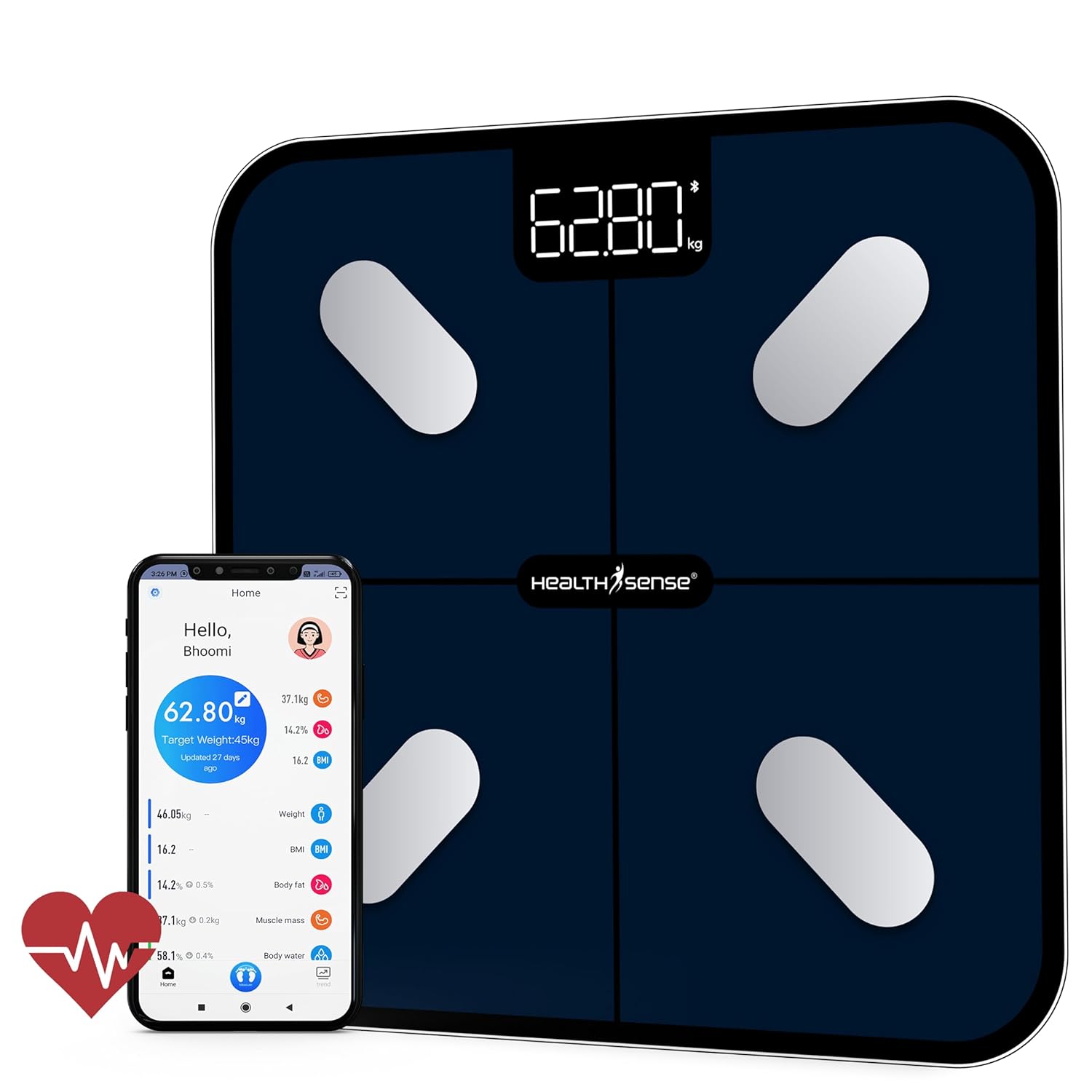
Solution: Please switch location & bluetooth in your handheld device and Tap on Device Binding on the app & follow the steps mentioned below:
- Select Add device
- Device will be binded successfully
- Stand on the scale barefeet until the app dispays all the parameters.
2) Which app is used to check the parameters?
Solution: Please download HealthU+ from Android/iOS store.
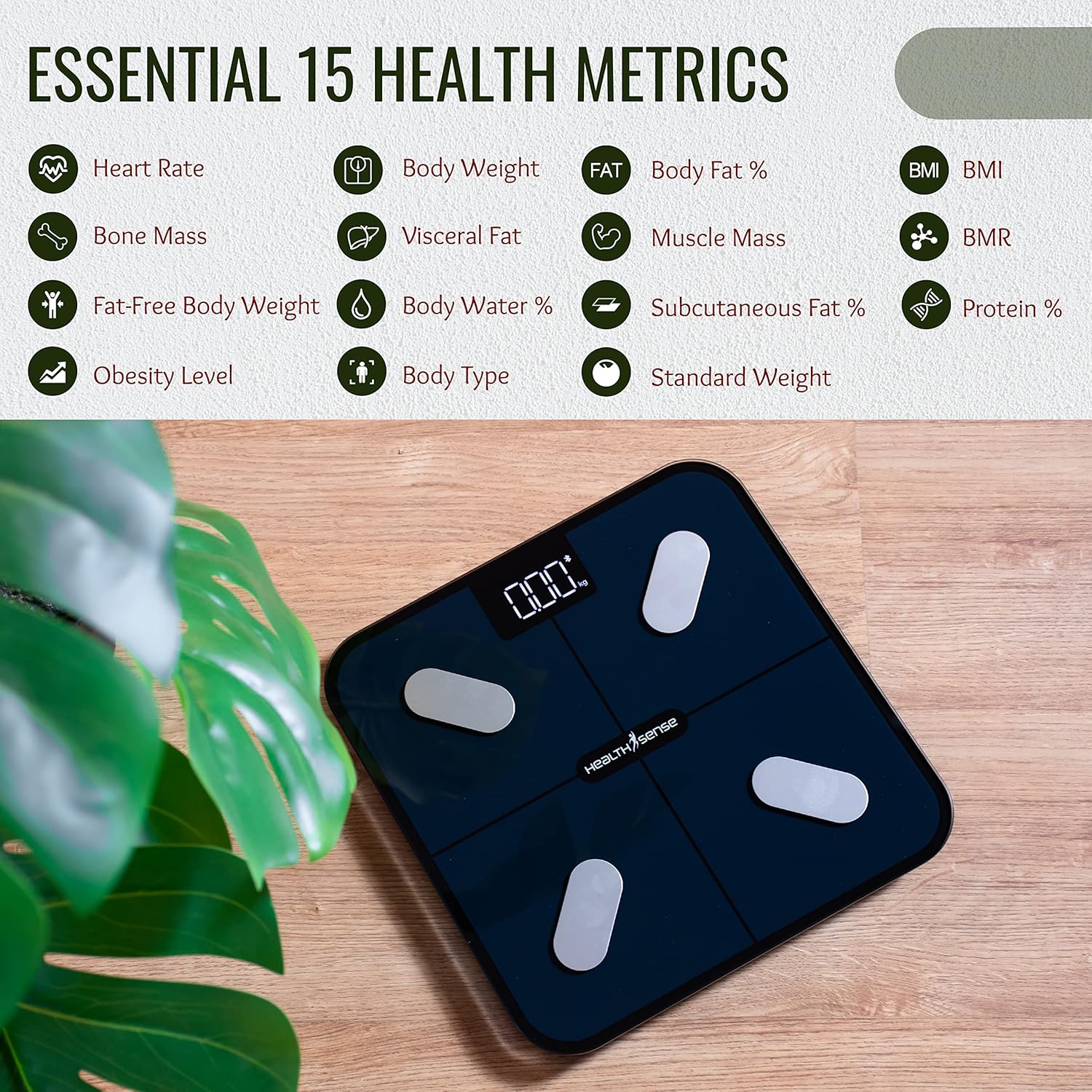
3) How many parameters are available for this model?
Solution: Currently, there are 15 parameters available to view.
4) My Device cannot be connected via Bluetooth.
Solution: Please ensure that your phone’s Bluetooth and location services are turned on, then gently tap the scale to enable detection in the app.
5) Are the parameters accurate?
Solution: Yes, the parameters are accurate as the scale uses BIA Technology.
6) How many users can be added in the app?
Solution: You can add unlimited users in the HealthU+ app.
7) Can I download the data?
Solution: Yes, please tap on the Trend option in the main page, Clock icon and then share the report to your preferred destination.
8) How to change the Unit from Lb to Kg?
Solution: Gently tap on the Unit button behind the scale to change the Unit as well as in the app (Settings- Unit convert)
9) Can we connect the app with 3rd party apps?
Solution: Yes, you can connect Fitbit, Google Fit.
10) Is the Heart rate monitor accurate?
Solution: Yes, the heart rate monitor is accurate.
11) Is the glass durable?
Solution: Yes, the scale can tolerate upto a weight limit of 180Kgs
12) The Weigh Machine is stuck at “Lo”, Why?
Solution: Please insert new batteries and Lo indicates low battery.
Have any other queries connect us at 9856 9856 36 or email us at support@healthsense.in
Was this article helpful?
That’s Great!
Thank you for your feedback
Sorry! We couldn't be helpful
Thank you for your feedback
Feedback sent
We appreciate your effort and will try to fix the article